

Jamf Pro 11.13 introduced a significant update for authentication: Jamf Account sign-in via OpenID Connect (OIDC). This enhancement simplifies access management and improves security for Jamf Pro administrators
It also means that you can now use your Jamf Account to access the 3 main Jamf Portals using your Jamf Account (Jamf Pro, Jamf Protect and Jamf Security Cloud).
So what exactly does this mean, why does it matter, and how can you take advantage of it.
Why should I utilise Jamf Account SSO?
It’s required for Jamf Pro’s exciting new services.
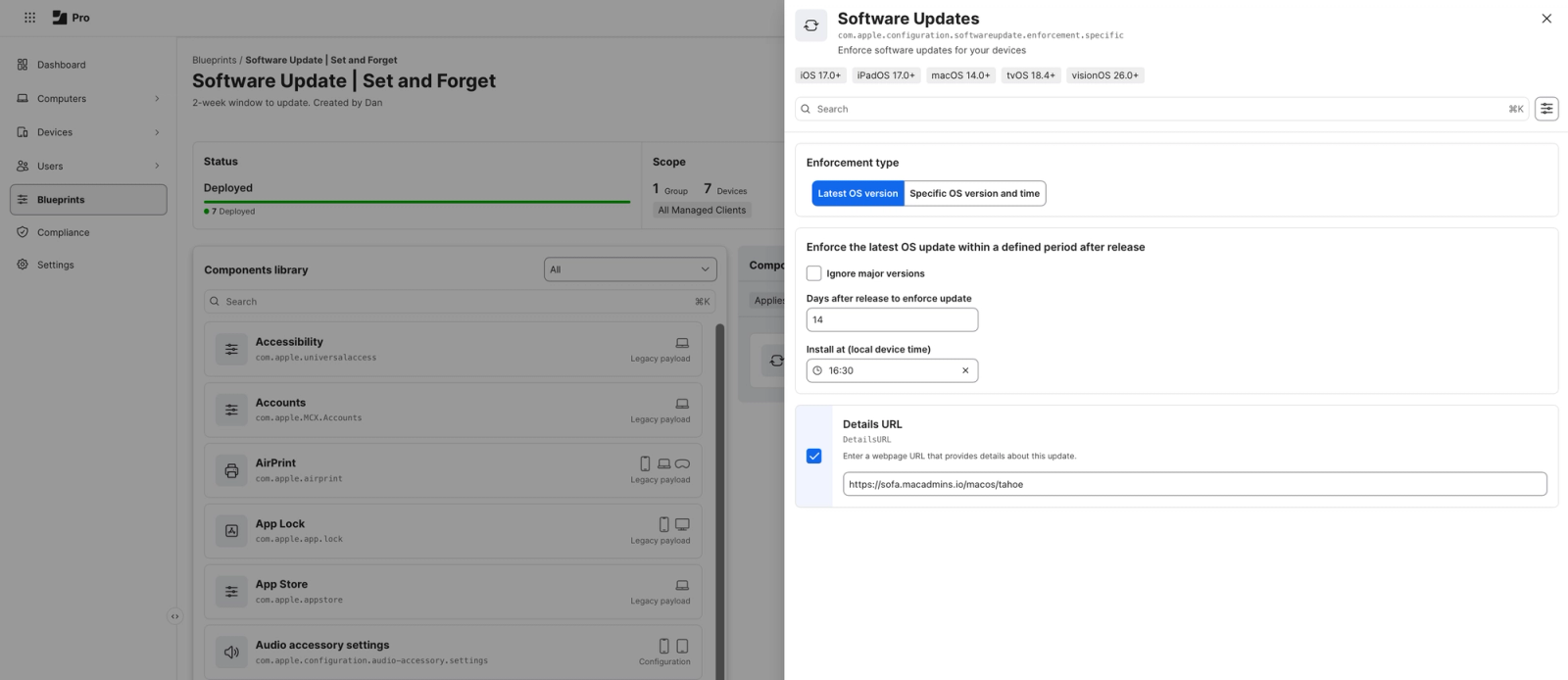
One of the main reasons is that it’s a requirement for some of Jamf’s newly released and upcoming ‘micro-services’ within Jamf Pro – namely Blueprints (released with Jamf Pro 11.15) and the upcoming Compliance Benchmarks (still in Beta at the time of writing).
The final piece of the multi-portal access puzzle.
You should also be looking to setup Jamf Account SSO because you already use your Jamf ID to access your Jamf Protect portal, and you can use it to sign in to your Jamf Security Cloud portal as well. SSO through Jamf Account for these applications isn’t a new release, but now that Jamf Pro supports it you can use a single login to access everything Jamf – a big improvement in a multi-portal environment.
Hook in your IDP for a familiar login experience.
On top of this, you can enhance your Jamf Account sign-in experience and hook in your Identity Provider within Jamf Account to make it even easier to sign in to all things Jamf. That being said, it isn’t mandatory – you can simply use your Jamf ID as the authentication method.
How can I enable Jamf Account SSO?
Getting Jamf Pro ready for Compliance Benchmarks
Enabling Jamf Account OIDC as your Jamf Pro Single Sign-On authentication method is required for Blueprints and Compliance Benchmarks, so it’s important you’re prepared.
Jamf Pro 11.15 introduced the ‘Compliance Readiness’ option in the Navigation menu, letting you know if you’re ready or not for Compliance Benchmarks.

If you’re just looking to quickly get Jamf Account OIDC setup in Jamf Pro without the need for an IdP integration, Jamf’s Learning Hub has excellent steps on enabling this in Jamf Pro.
Requirements;
You’ll need to have a user account or group in Jamf Pro with the same email address as your Jamf ID in order for this to work successfully.
Any other Jamf Admins looking to access your Jamf Pro environment should also have a Jamf ID, ideally associated with your Organisation.
One successful setup later, logging out of Jamf Pro will reveal a new login interface – a simple Jamf ID email field. You should now be able to navigate back to the ‘Compliance Readiness’ section in Jamf Pro and see a big green check.

I have SAML SSO setup in Jamf Pro already, can I keep using my IDP Login to access Jamf Pro?
Yes, you absolutely can, however with Jamf Account integration in Jamf Pro, this will require some Jamf Account configuration steps.
Verify your Domain
Jamf needs to first of all verify the domain you wish to use is owned by your organisation. You’ll need access to your DNS records, so you can edit them with the generated DNS TXT record provided during verification in Jamf Account.
Creating an OIDC App in your IdP
Depending on your IdP, you can follow Jamf’s Learning Hub guides to get an OIDC app configured for use with Jamf Account.
Adding the OIDC app information to Jamf Account
Jamf Provides connection templates for Entra ID and Okta setups, as well as Generic OIDC for other IdP needs.
Jamf’s documentation here is solid (as you’d expect), however I want to point out a few key highlights depending on your IdP of choice.
Entra ID
- Make sure, when copying across your Client Secret from your App Registration in the Entra Portal, that the Value is pasted for use in the Jamf Account connection setup, not the Secret ID.

- If you utilise groups (Standard/Directory Service) in Jamf Pro for account privileges when logging in to Jamf Pro, Microsoft Entra can support that – make sure you tick the ‘Get User Groups’ and ‘Include all groups the user is a member of, including child groups’ options in the connection settings within Jamf Pro.

Okta
Okta also supports group membership similar to Entra ID, but it is vital that you set this up in Jamf Account as a Generic OIDC connection type, not as an Okta connection type.
- At the bottom of the Okta OIDC app creation documentation you may notice a small footnote at the end of the doc, stating the need to do so if you want to use group membership mappings.
- When creating your Connection in Jamf Account, select Generic OIDC as the type, and you should see an ‘Add scope (Optional)’ option below the ‘Issuer URL’ entry. If you enter
email openid profile groupsin the Scopes entry that appears, providing you have Okta Groups that match groups you have setup in Jamf Pro for privilege management into the portal, then those groups will be honoured and a user will login with the privileges set by the group they are a member of.

Other Recommendations
- We’d recommend having at least one ‘break-glass’ account in Jamf Pro (standard, non-Directory administrator) that can be used to access your environment should something go wrong during the setup.
- Within Jamf Pro Settings > Single Sign-On, you’ll find a failover URL listed. This is a unique URL that allows you to bypass any OIDC/SAML authentication options and login with the afore-mentioned ‘break glass’ account. We’d highly recommend noting this Failover URL somewhere for safe keeping.
- Your Jamf ID can also be used to access your other Jamf Products, if not already setup. This includes Jamf Protect (macOS Security Portal) and the Jamf Security Cloud (radar.jamf.com).
DARE can help!
As a Jamf Elite Partner, we’d be more than happy to take you through implementing this into your environment, making sure you have secure authentication in place to access your Jamf portals, plus allowing you to take advantage of the exciting new and upcoming services built-in to Jamf Pro.
From ongoing consultation and/or end-user support options, to Professional Services time and TimeBank options, there’s an option for everyone to take advantage of our technical knowledge and personal approach.